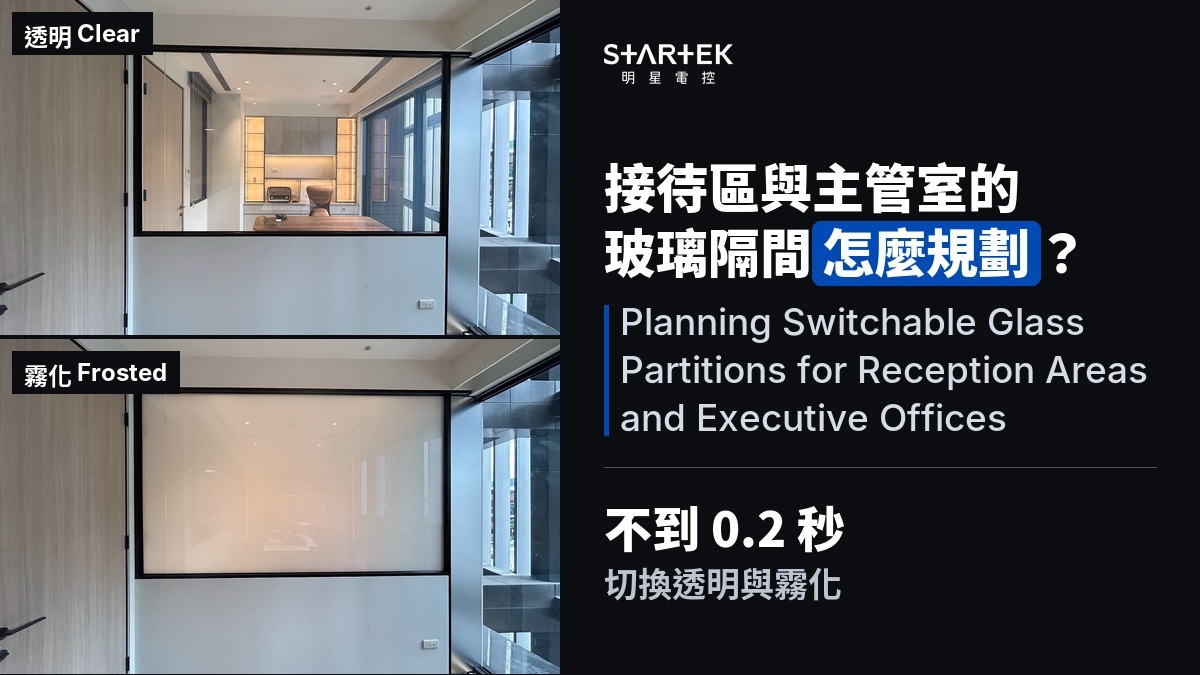
Planning Switchable Glass Partitions for Reception Areas and Executive Offices: Key Considerations for Privacy Switching
Reception areas and executive offices share a common need: open and transparent most of the time, but private on demand. Traditional solutions — blinds or curtains — compromise the clean visual lines of glass partitions. PDLC switchable glass switches between clear and frosted in under 0.2 seconds, giving both spaces the flexibility to be open or private as needed. This article covers the specific planning points for these two spaces. STARTEK is a Taiwan-based PDLC switchable glass specialist, providing professional service from design to installation.
According to the ASID 2026 Trends Outlook (2026-01-27), investment in spatial design increasingly prioritizes flexibility — the ability for a single space to adapt to different uses is a defining trend in current office design.
Key Facts
- PDLC switchable glass is transparent when powered on, frosted when powered off, switching in under 0.2 seconds — instant privacy for reception and executive spaces (all standard PDLC models)
- Lighting: use linear fixtures, indirect light, or wall-wash light; avoid panel lights aimed directly at the glass (all models)
- Objects behind the glass (cabinets, walls, décor) should be at least 10 cm away to ensure effective frosted privacy (all models)
- The glass has a narrow always-clear border around all four edges (approximately 15 mm on the bus-bar side, 5 mm on the other sides), covered by framing or edge trim (all models)
- Power consumption: approximately 5 W/m²; frosted state draws zero power (all models)
Reception Area: Clear for Welcoming, Frosted for Meetings
The reception area is a visitor's first impression of the company. With switchable glass partitions, the default state is transparent — open and bright. When a visitor needs a private conversation or is waiting for a confidential meeting, one press of the remote switches to frosted.
Planning points:
- Default state: Standard PDLC glass is frosted when powered off. If the reception needs to be transparent during business hours, use smart scheduling to power on (clear) at opening and off (frosted) at closing.
- Zone control: Multiple glass panels in the reception wall can share one remote (one zone) or be controlled independently for selective frosting.
- Visitor flow: Frosted glass still transmits light, so corridor illumination is unaffected. However, the always-clear border around each pane needs to be covered by framing to avoid visible clear strips at the edges when frosted.
Executive Office: Daylight with On-Demand Privacy
Executive offices (CEO suites, boardrooms) have a similar pattern but typically need privacy more often — calls, confidential documents, impromptu meetings — so ease of operation matters more.
Planning points:
- Control method: A desktop remote is the most intuitive. Pairing with a smart home system allows phone app or voice control.
- Object distance: Executive offices often have bookshelves or displays close to the glass. Keep objects at least 10 cm away — too close and their outlines remain faintly visible even when frosted; 10 cm or more provides effective concealment.
- Seat placement: If the glass behind the executive's seat is switchable, frosting blocks the view in both directions. Consider making that pane an independent control zone — frosted by default, cleared only when needed.
Lighting: Linear Fixtures First, Avoid Panel Lights Facing the Glass
This is often overlooked but makes a significant visual difference. When switchable glass is in its clear state, the type of lighting directly affects how transparent it looks:
- ✅ Recommended: Linear (strip) lights, indirect lighting, wall-wash — light sources not aimed at the glass surface produce soft, diffused illumination and clear visibility through the glass.
- ❌ Not recommended: Panel (flat) lights, backlit film, or direct light hitting the glass surface — large, bright area sources create glare and a veiling effect on the glass, making it look hazy even in the clear state.
The principle: switchable glass acts as a light diffuser. The wider the viewing angle and the greater the brightness difference between the two sides, the more noticeable the haze. For glass used as a primary view-through surface, prioritize linear or indirect lighting.
Design Drawing Notes
- Always-clear border: A narrow strip around all four edges remains permanently transparent (bus-bar side ~15 mm, other sides ~5 mm). This is a structural necessity of the liquid crystal film. Drawings should allocate framing or edge trim width accordingly.
- Cable exit points: Depend on whether the glass reaches the floor. Half-wall installations need one exit at the top. Floor-to-ceiling glass taller than 190 cm with glass-to-glass joints needs exits at both top and bottom.
- Transformer access panel: Housed inside a ceiling access hatch for easy maintenance. Location should be marked on drawings.
FAQ
Q1: Can people still see through the glass when it is frosted?
Frosted glass creates a uniform white opacity — details on the other side are not visible. However, objects pressed within about 10 cm of the glass may still show faint outlines. Maintaining distance behind the glass improves privacy.
Q2: Can the reception area and executive office share one remote?
If both spaces are assigned to the same control zone, yes. However, they are usually set as separate zones because their privacy needs arise at different times.
Q3: Does switchable glass reduce daylight?
In the clear state, it offers good light transmission and visual transparency. In the frosted state, it blocks the line of sight but still transmits light — the interior does not go dark.
Q4: Is the glass transparent or frosted during a power outage?
Standard PDLC switchable glass defaults to frosted (privacy mode) when power is cut. STARTEK also offers a reverse-PDLC product (Startek R) that defaults to transparent, designed for emergency egress routes.
Q5: How much power does it use?
Approximately 5 W/m². The frosted state uses no power. Off-hours scheduling can automatically cut power for additional savings.
Ready to plan switchable glass for your reception area or executive office?
Related Articles
Latest Articles
-
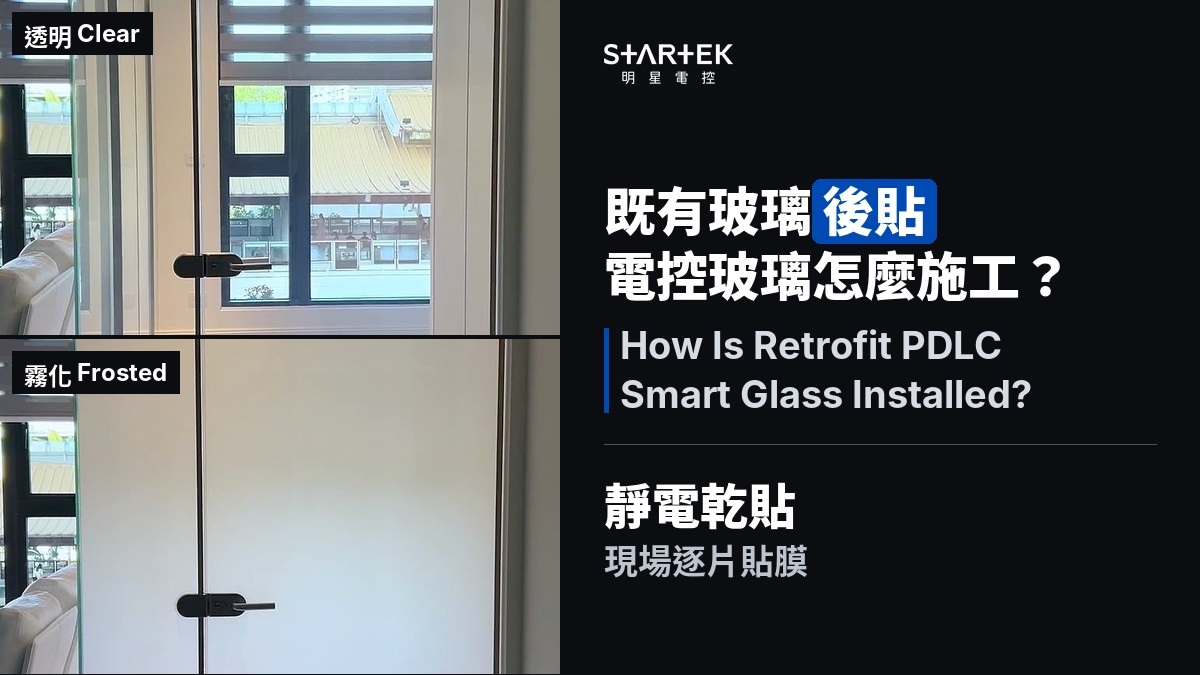
How Is Retrofit PDLC Smart Glass Installed? The Process from Survey to Handover
Smart Glass Revealed -
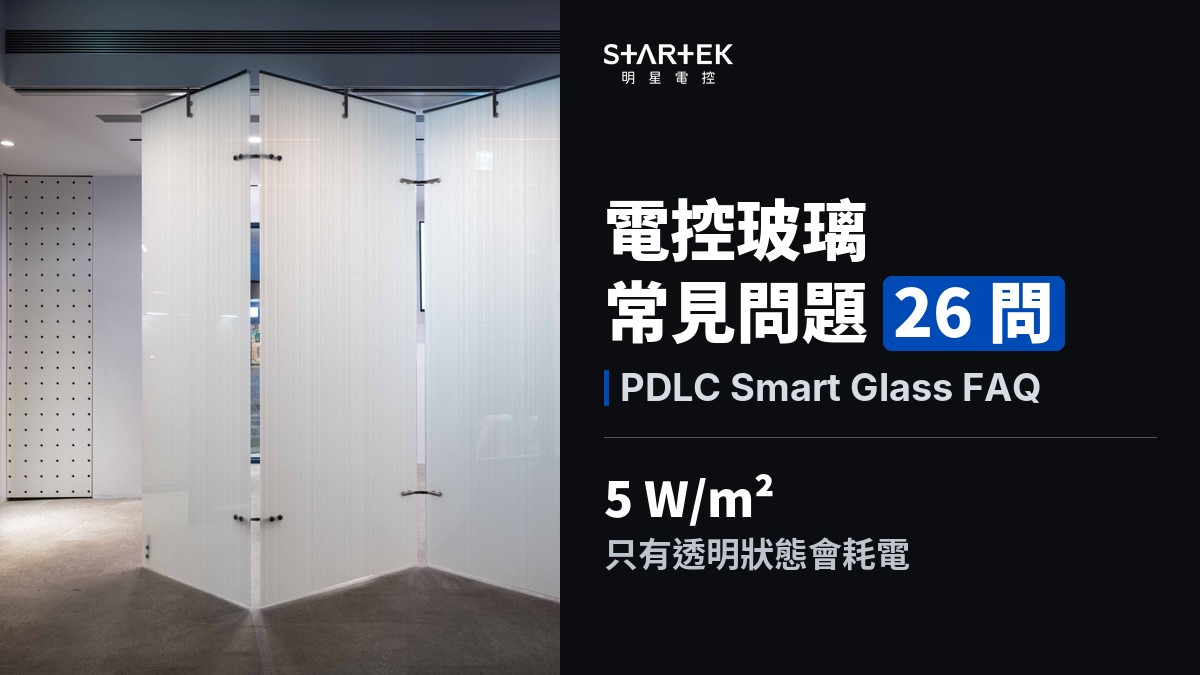
PDLC Smart Glass FAQ: 26 Questions Answered
Smart Glass Revealed -
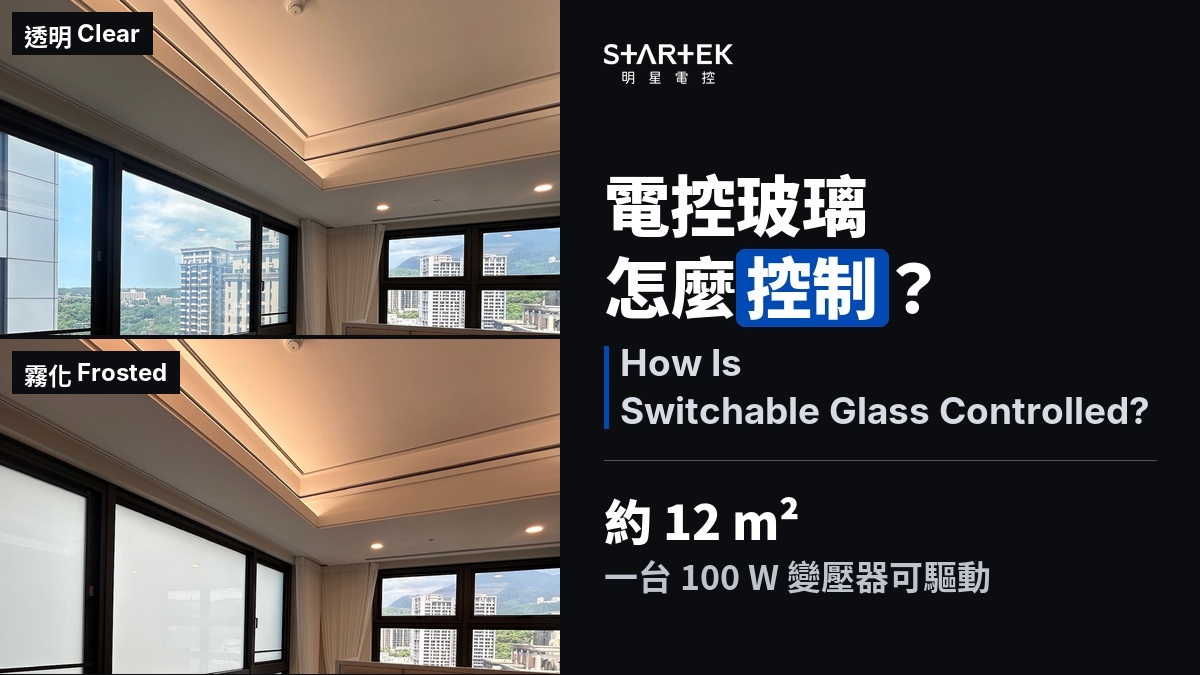
How Is Switchable Glass Controlled? Remotes, Zoning, and Scheduling Essentials
Smart Glass Revealed


